For over a decade, I used Gboard as my primary keyboard on Android. Its smart suggestions, fast typing, and deep integration with Google services made it hard to replace. But the app’s connection to a company that makes billions by tracking user behavior always felt like a quiet compromise.
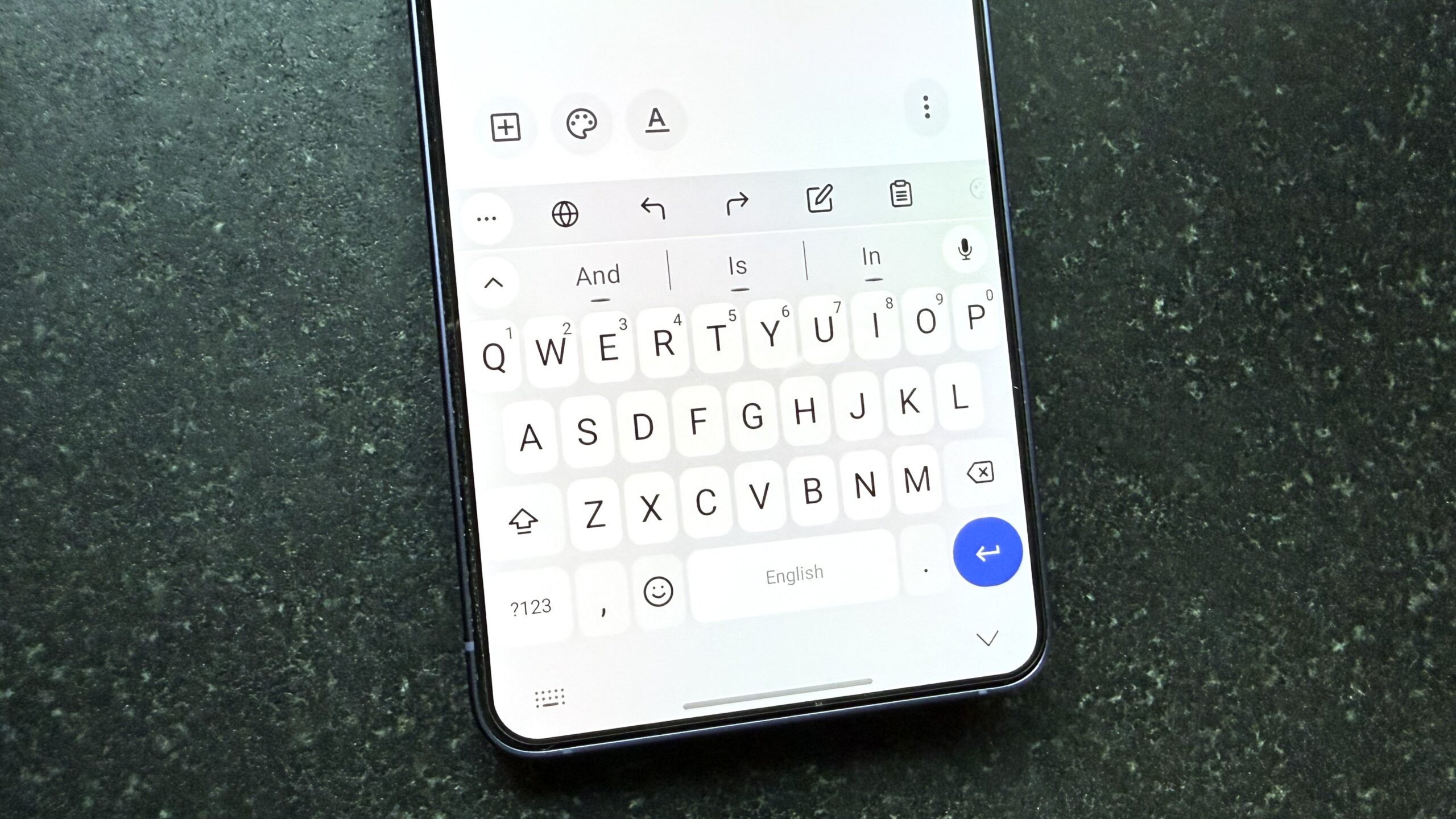
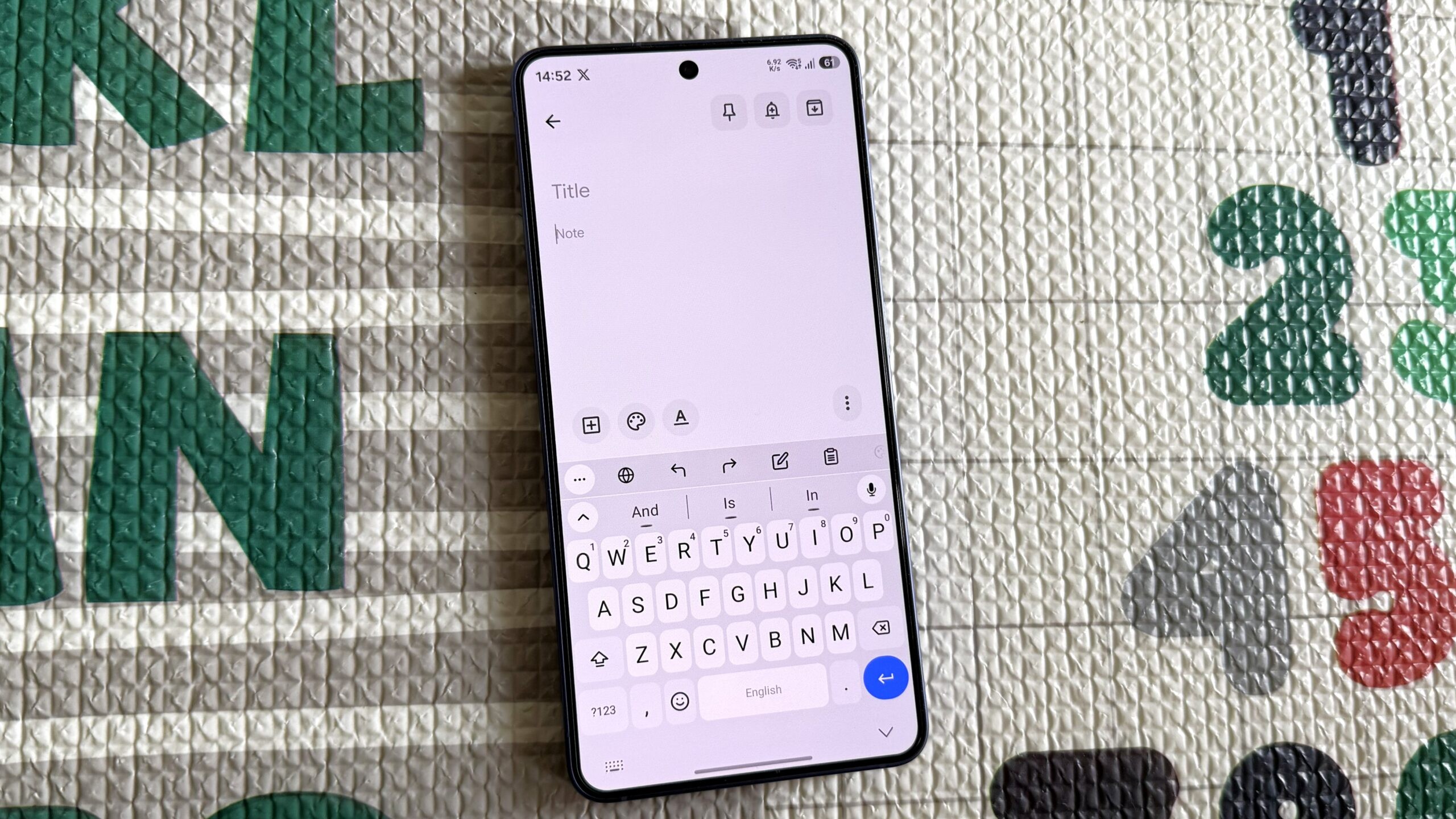
That changed when I discovered FUTO Keyboard. It’s a free, offline-first Android keyboard that doesn’t collect any user data. What surprised me most? It also offers all the features I had come to expect from Gboard without making me feel like I’m being watched.
Why Gboard still needs more trust
Gboard remains a top-tier keyboard. Its auto-correct, swipe typing, and text suggestions are highly refined. But the app is owned by a company that makes money by gathering and selling data about user behavior. Even if the data collection is optional and partially anonymized, the fact that the company can access it at all is enough to give pause.
A quick look at Gboard’s Google Play Store listing shows exactly what I mean. The app’s data safety section lists several types of data it might collect, including what you type, device activity, and even your location. All of it is supposedly anonymized, but the line between privacy and tracking remains blurry.
FUTO Keyboard, on the other hand, doesn’t ask for any of that. You never have to create an account, and the app makes no effort to collect usage statistics or telemetry. There’s no prompt asking you to help improve the app, and no hidden toggle to disable data sharing.
How FUTO keeps its promises
What sets FUTO apart is not just what it doesn’t do, but also what it does. The keyboard is built with a strong focus on privacy from the ground up. While not open-source, its source code is available for inspection. The app runs entirely locally — no data leaves your phone, not even when you use voice typing.
Voice typing in FUTO is handled by a Whisper-based model that runs entirely offline. This means your speech doesn’t leave your device. The app also offers different models depending on whether you want speed, accuracy, or a balanced option.
FUTO Keyboard supports a variety of languages, though I recommend sticking to the default options unless you have a flagship phone. Even with multiple language packs active, the keyboard remains fast and responsive.
The small features that made me stick
I stayed with FUTO not just for its privacy promises but for the little details. Holding the backspace key deletes entire words at once, a welcome change from deleting letter by letter. The blacklist feature in text suggestions is especially useful — offensive words are blocked by default, and you can customize the list yourself.
You can assign it to whatever function you use most — mine triggers ‘Select All’ to clear out what I’ve typed in one click. The app also includes Undo and Redo shortcuts, which can save time when you make a mistake with the clipboard.
These might seem small, but they add up. The more I used FUTO, the more I realized how much Gboard had conditioned me to second-guess what I typed. FUTO removes that anxiety. You type without wondering whether your data is being tracked or stored.
For those who care about privacy, FUTO Keyboard isn’t just a better alternative — it’s a complete reimagining of how a keyboard should work. It’s not just the absence of data collection that sets it apart. It’s the presence of thoughtful design and usability improvements that make daily tasks easier and more intuitive.
The app also gives users complete control over their experience. Whether it’s choosing a theme, adjusting autocorrect settings, or switching between different voice models, FUTO allows for deep customization without the bloat. There’s no unnecessary ads or in-app purchases to complicate the experience. What you see is exactly what you get.
And while FUTO is free to use, there is an option to make a voluntary donation to support the developers. This model ensures that the app can remain ad-free while still providing ongoing improvements. It’s a refreshing departure from the typical subscription or ad-based approach seen in many apps.
Even the app’s performance speaks for itself. Running on local processing means there’s no dependency on internet connectivity or cloud services. This makes FUTO ideal for use in areas with spotty or no internet, something that many other keyboards can’t claim.
Despite all these benefits, FUTO doesn’t feel like a niche or minimalist product. It has a robust feature set that includes everything from predictive text to gesture typing. It doesn’t sacrifice functionality for privacy. Instead, it shows that both can coexist in harmony.
In the end, the real value of FUTO Keyboard lies in the peace of mind it brings. You don’t have to worry about whether what you type is being recorded or shared. You can type without hesitation, knowing that your device is doing all the work locally, without sending anything out.
If you’ve ever wondered whether a keyboard can truly be private and powerful at the same time, FUTO Keyboard is the answer. It’s not a small change — it’s a meaningful step toward reclaiming control over your digital life.